Article overview
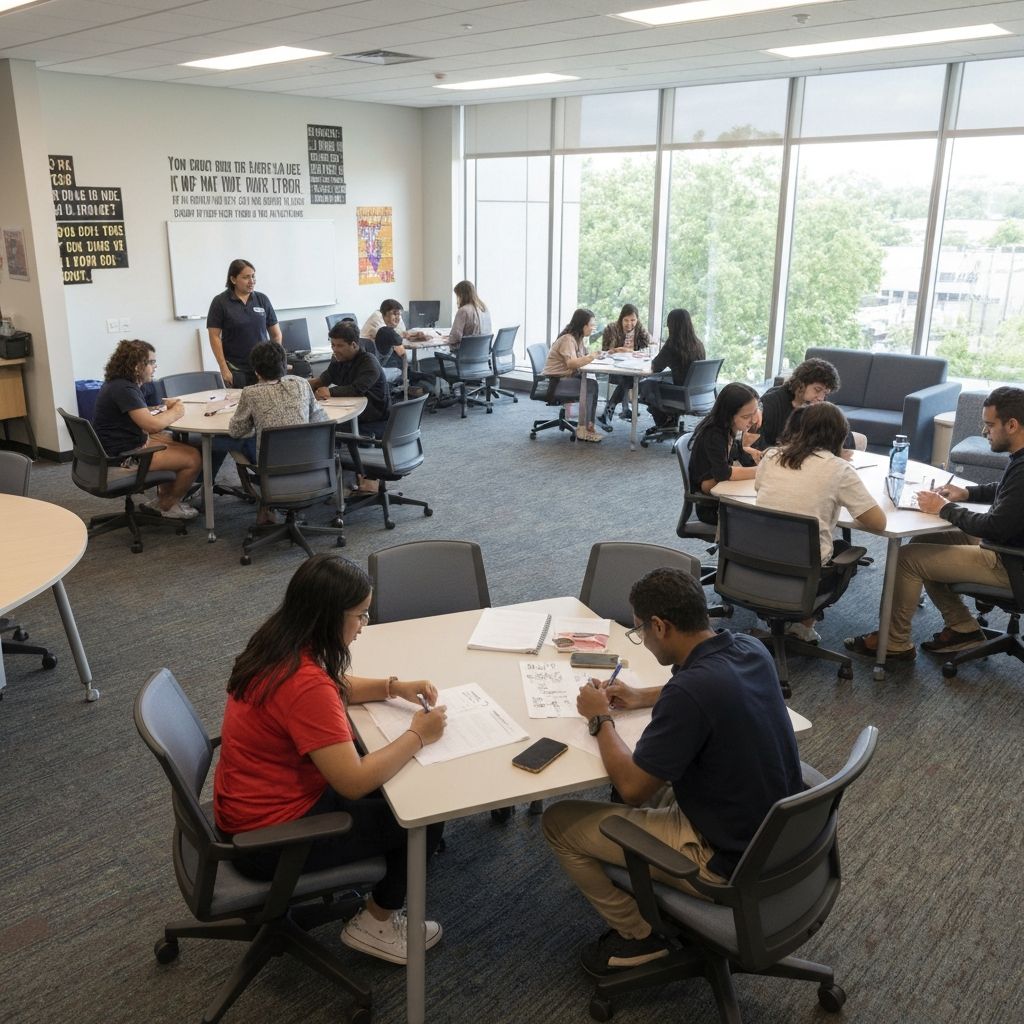
World Cup week can create a fast burst of interest inside a school. The problem is that many schools respond by treating the viewing area as a temporary afterthought. A screen is found, extra chairs are moved in, and the shared space becomes crowded without a clear flow. That may work for ten minutes, but it usually breaks down once several classes, a shared commons area, or staff supervision are involved.
Why a school viewing area needs a plan instead of improvised seating
World Cup week can create a fast burst of interest inside a school. The problem is that many schools respond by treating the viewing area as a temporary afterthought. A screen is found, extra chairs are moved in, and the shared space becomes crowded without a clear flow. That may work for ten minutes, but it usually breaks down once several classes, a shared commons area, or staff supervision are involved.
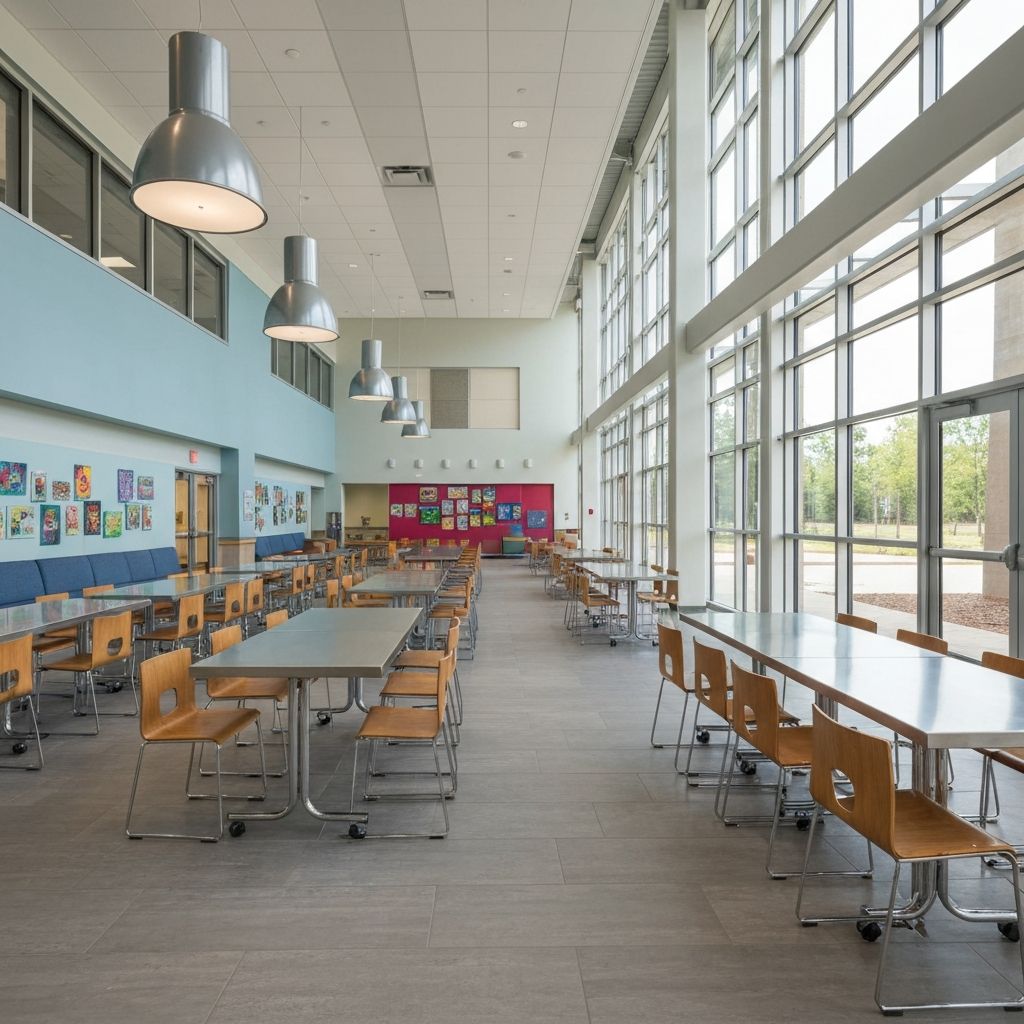
A stronger approach is to treat the viewing area as a short-term school-space project. The topic may begin with football interest, but the real planning question is how the school manages seating, visibility, circulation, display, and follow-up activity without losing control of the space. That is exactly why this article should send readers back into the broader School Event Ideas hub rather than leaving the topic as a one-off seasonal post.
Decide what kind of viewing format the school is actually running
Limited highlight viewing or scheduled live sessions
Not every school needs the same setup. Some only want a short shared highlight window during assembly, lunch, or a special campus event. Others want a limited live viewing session tied to a geography or culture program. The room plan depends on which of those formats the school is really trying to run.
A useful first step is to define:
- whether the viewing area is for one class, several classes, or a shared campus group
- whether students are seated for a short highlight segment or a longer scheduled session
- whether food service, break traffic, or parent visitors will overlap with the event
- whether the space also needs to support announcements, display work, or teacher briefing
Age group and supervision matter before furniture does
The event theme may feel exciting, but the setup should still be built around age group, supervision ratio, and control of movement. A secondary-school commons can often handle a different flow from an early-years space. Once the planning team defines who is using the area and how long they will stay, the school can decide whether the best next step is a room layout review, a needs assessment, or a wider school project sourcing conversation.
What a workable school viewing area actually needs
Sightlines and seating layout
A viewing area fails quickly when too many students cannot see the screen or when rows are packed so tightly that staff cannot move through the space. The layout needs basic visibility, spacing, and access for supervision. Even a short event-week setup should avoid creating blocked aisles or loose furniture clusters that make the area feel improvised.
For many schools, the right reference page is not a generic event article but a shared-space route such as cafeteria and commons layouts. That keeps the discussion focused on actual room use rather than on temporary enthusiasm.
Circulation and noise control
The second issue is movement. A viewing area inside a lunch space, commons, or circulation-heavy zone will not behave like a closed classroom. Staff need to think about entry and exit points, sound bleed, nearby queues, and whether adjoining routes stay open. If the event interrupts ordinary movement too heavily, the space should be re-zoned or the format should be reduced.
Temporary display and briefing surfaces
Many schools forget that a viewing area often needs more than a screen. Staff may need temporary score updates, country information, safety reminders, schedules, or discussion prompts. That makes whiteboards and display surfaces an important support route even though the search started as a viewing query.
A good event-week setup often includes one main screen, one visible briefing surface, and one adjacent area where teachers can reset expectations before or after the session.
Nearby breakout and follow-up space
The strongest shared viewing moments do not end when the screen goes dark. They send students into follow-up work such as geography discussion, prediction tasks, score analysis, or small-group reflection. That is why schools should think about nearby classrooms, flexible tables, or breakout zones before the event begins.
Commons and cafeteria checks before the event goes live
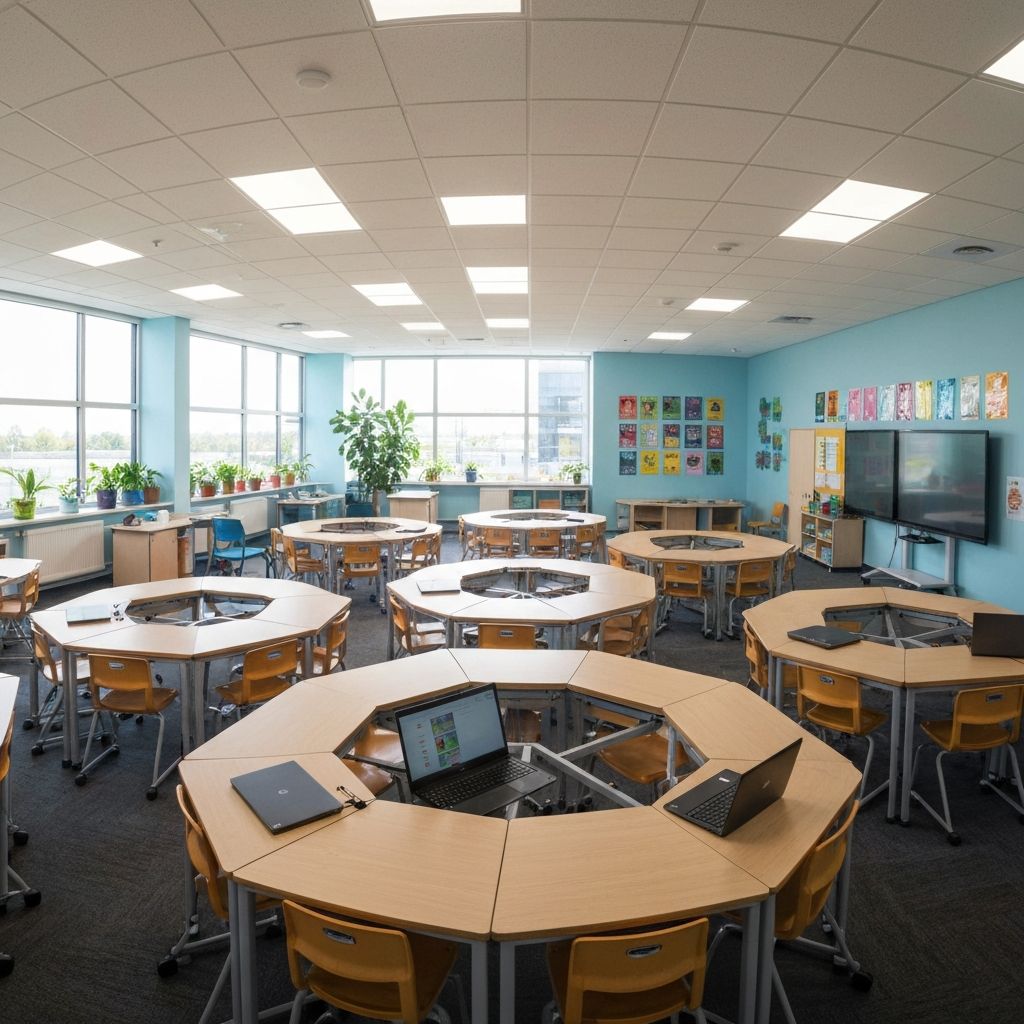
A commons or cafeteria can be a strong viewing location because it already handles shared gathering. It can also become chaotic quickly if the planning team ignores ordinary campus use. Before the event starts, schools should confirm:
- whether the event overlaps with meal service, queueing, or cleaning windows
- whether power, sightline, and equipment placement avoid the main circulation path
- whether students can enter and exit without compressing into one corner
- whether display boards or briefing surfaces will be visible without blocking movement
- whether the same zone needs to return to its standard layout immediately after the session
This is where the commons layout route becomes more useful than another broad inspiration page. The room either works operationally or it does not. The event concept only converts when the layout can support it.
When one viewing corner becomes a multi-space sourcing problem
A school may start with a simple request for one shared screening area. Then the event expands. Teachers want corridor displays, the library adds country research, one classroom becomes a reflection zone, and staff need a cleaner briefing area. At that point, the challenge is no longer one screen in one room. It becomes a small multi-space program.
Typical signs that the school should move beyond a simple room reset include:
- the viewing area needs adjacent classrooms or overflow seating
- the school wants repeat use for sports week, assemblies, or culture programs
- display, briefing, and gathering needs are spreading across more than one room type
- the planning team is already discussing room counts, timing, and equipment movement across campus
When those signs appear, the next step should be either a needs assessment or a broader school project sourcing discussion. That is how the topic moves from seasonal traffic into real commercial scope.
Where this topic should send readers next
If the reader is still shaping the overall event concept, the right next stop is the School Event Ideas hub. That page gives a wider route into sports week, international programs, and campus showcase topics.
If the reader already knows the main shared-space need, the stronger next steps are usually more direct:
- Cafeteria and commons layouts for the main viewing-zone conversation
- Needs assessment when room counts and event scope still need structure
- School project sourcing when the setup expands into several rooms or a campus program
- Whiteboards when staff need temporary display and briefing support around the viewing area
Conclusion
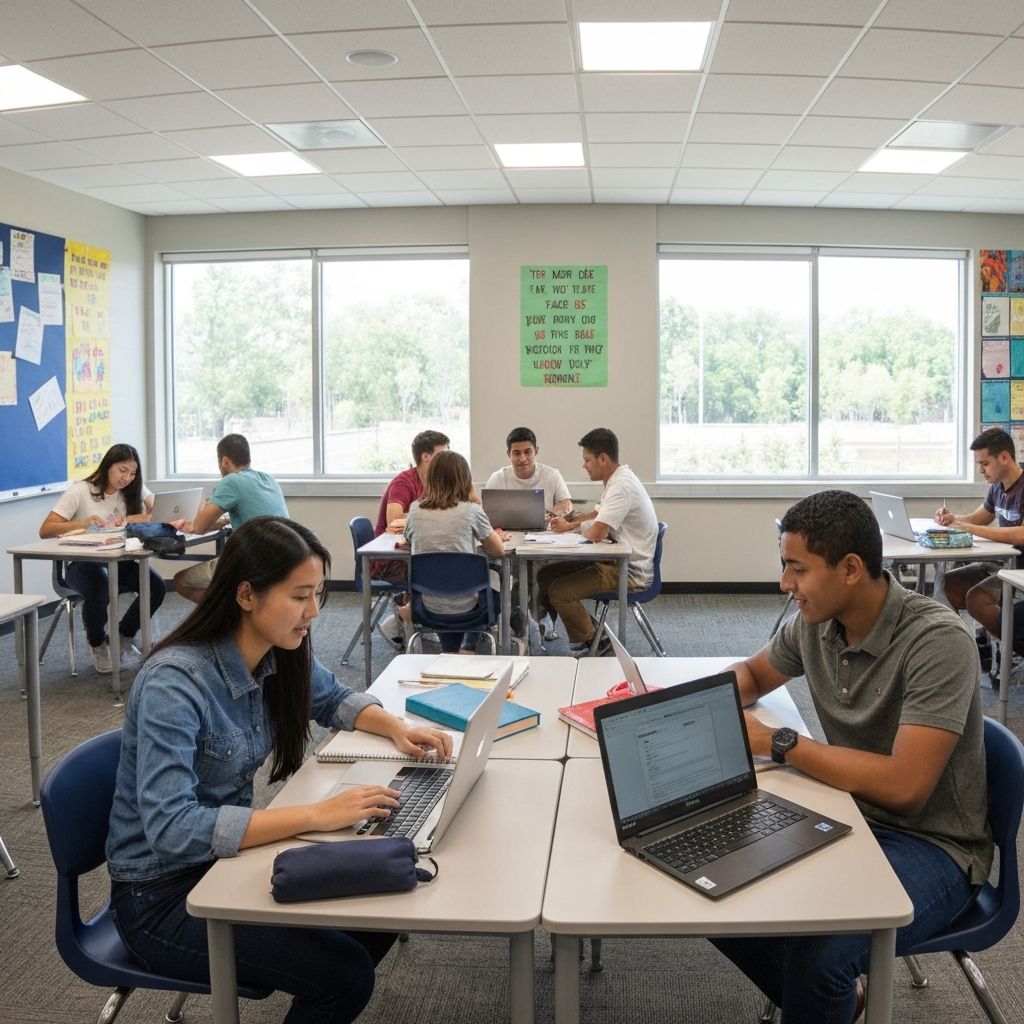
A school viewing area for World Cup week works best when it is planned as a controlled shared-space setup rather than as a quick seating workaround. The event may be short-term, but the layout questions are real: sightlines, circulation, supervision, display, and follow-up use. When schools solve those pieces cleanly, the topic becomes more than a seasonal idea. It becomes a practical route into better commons planning and clearer campus event scope.
Tags