Factory-Direct School Furniture Manufacturer for Distributors and Project Buyers
Product Library Hub
Product pages should support room solutions, not replace them
This is the secondary layer. Buyers should start from the room or project problem, then come here when they are ready to compare product families, finish options, procurement documents, and delivery assumptions.
Space-first routing
Most buyers should start from a room or layout page, then move into product families once the scope is stable.
Project-ready comparison
Use the library when the buyer is comparing packages, confirming assumptions, or preparing a procurement shortlist.
Delivery and install logic
Lead time, site access, and installation sequencing belong in the same conversation as the catalog, not after it.
Start with space
Buyers usually ask about rooms, layouts, and project constraints before they ask about product families
The best product pages do not act like a catalog dump. They sit behind the room plan, then help the buyer compare the right products once the project scope has been defined.
Early years
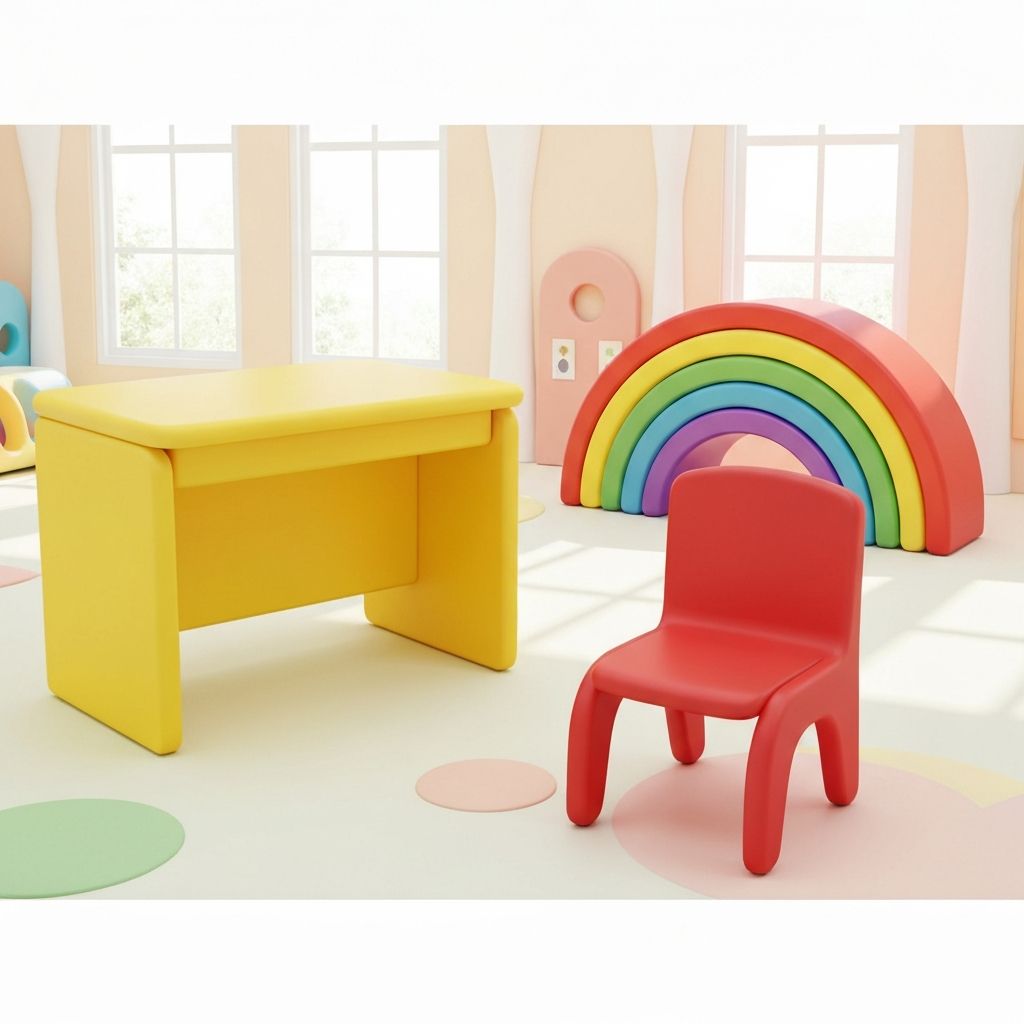
Early Childhood Center
Plan preschool classrooms, reading corners, activity zones, and low-height storage before furniture selection starts.
Open space page
Specialist room
Science Lab & STEM Room
Review stations, teacher demos, storage, and durable surfaces before the lab package moves into RFQ.
Open space page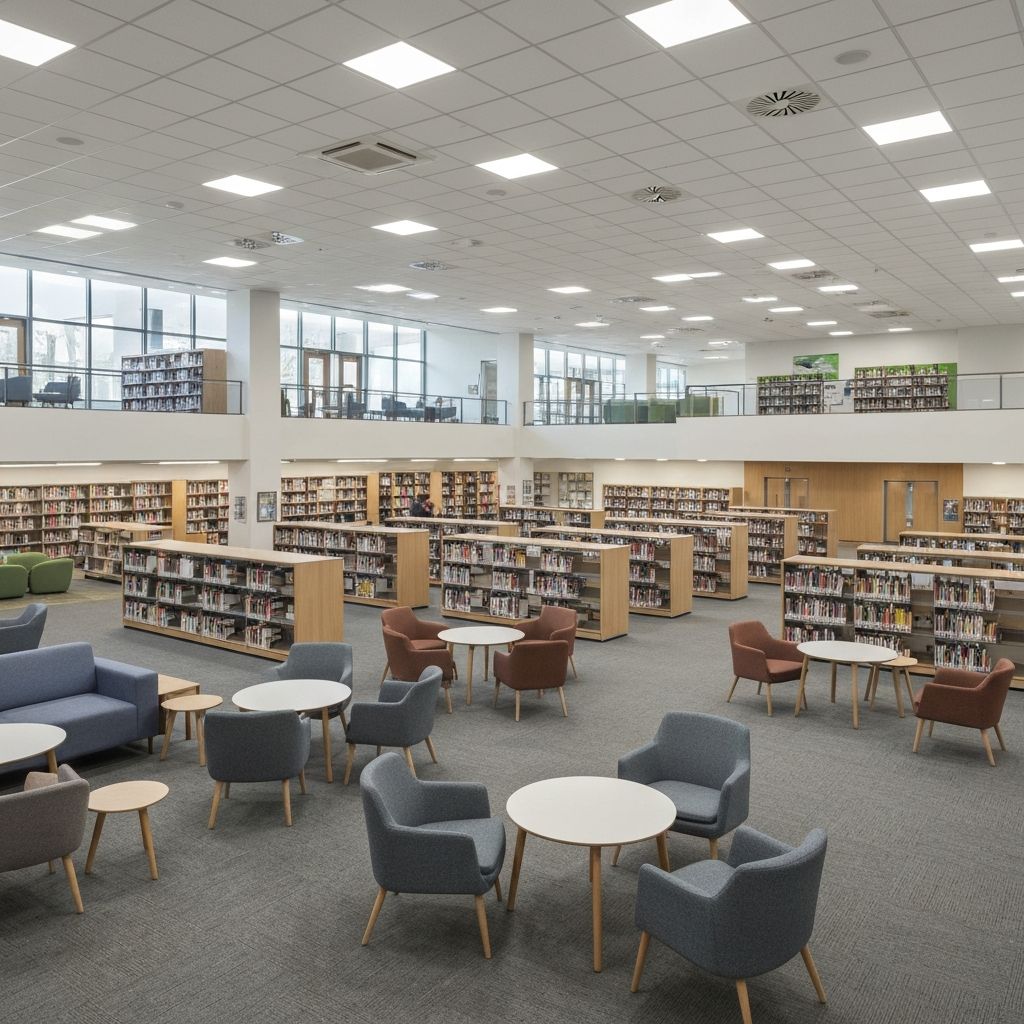
Shared learning
Library & Media Center
Group shelving, quiet study, collaboration, and staff support into one layout conversation.
Open space page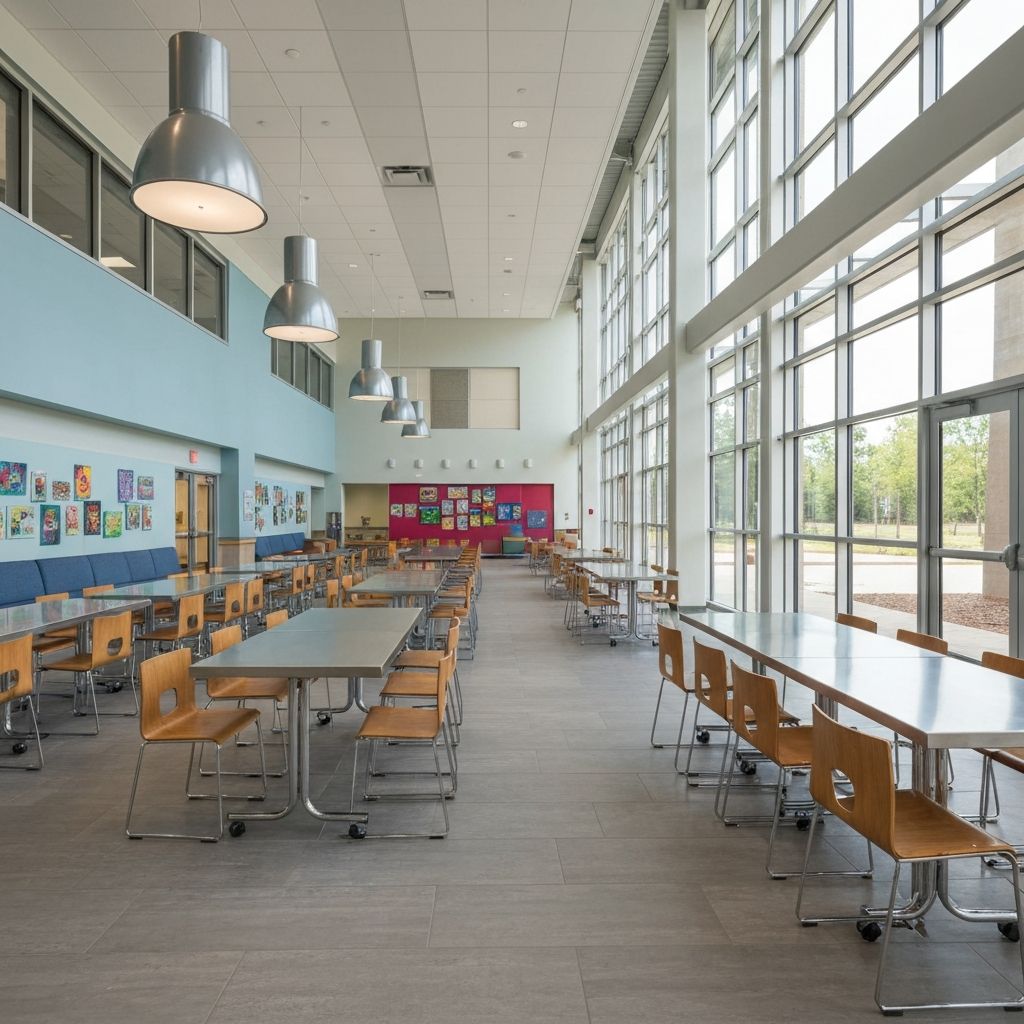
High-traffic space
Cafeteria & Commons
Compare dining density, circulation, cleaning, and multi-use turnover before table programs are chosen.
Open space page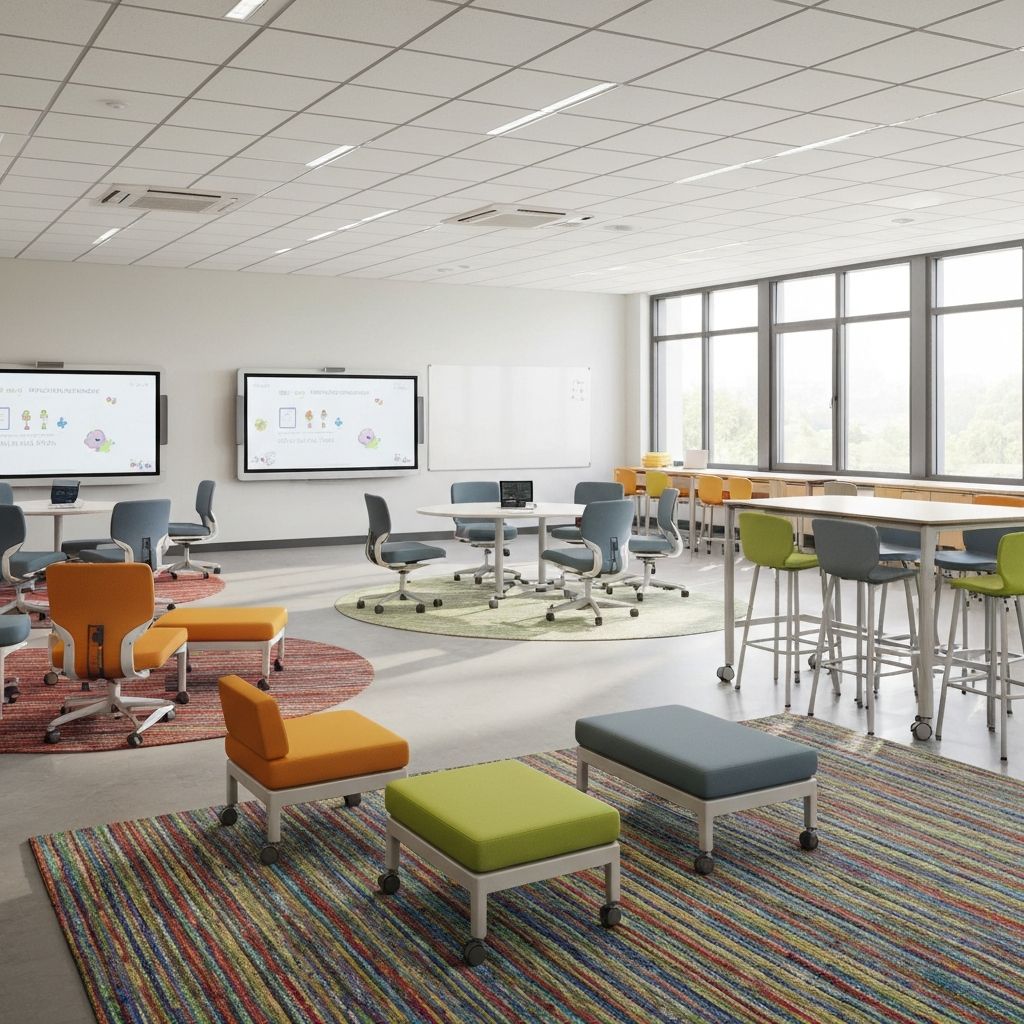
Core teaching space
Traditional Classroom
Use this path for classroom rollouts where desk, chair, whiteboard, and teacher-station logic must stay aligned.
Open space page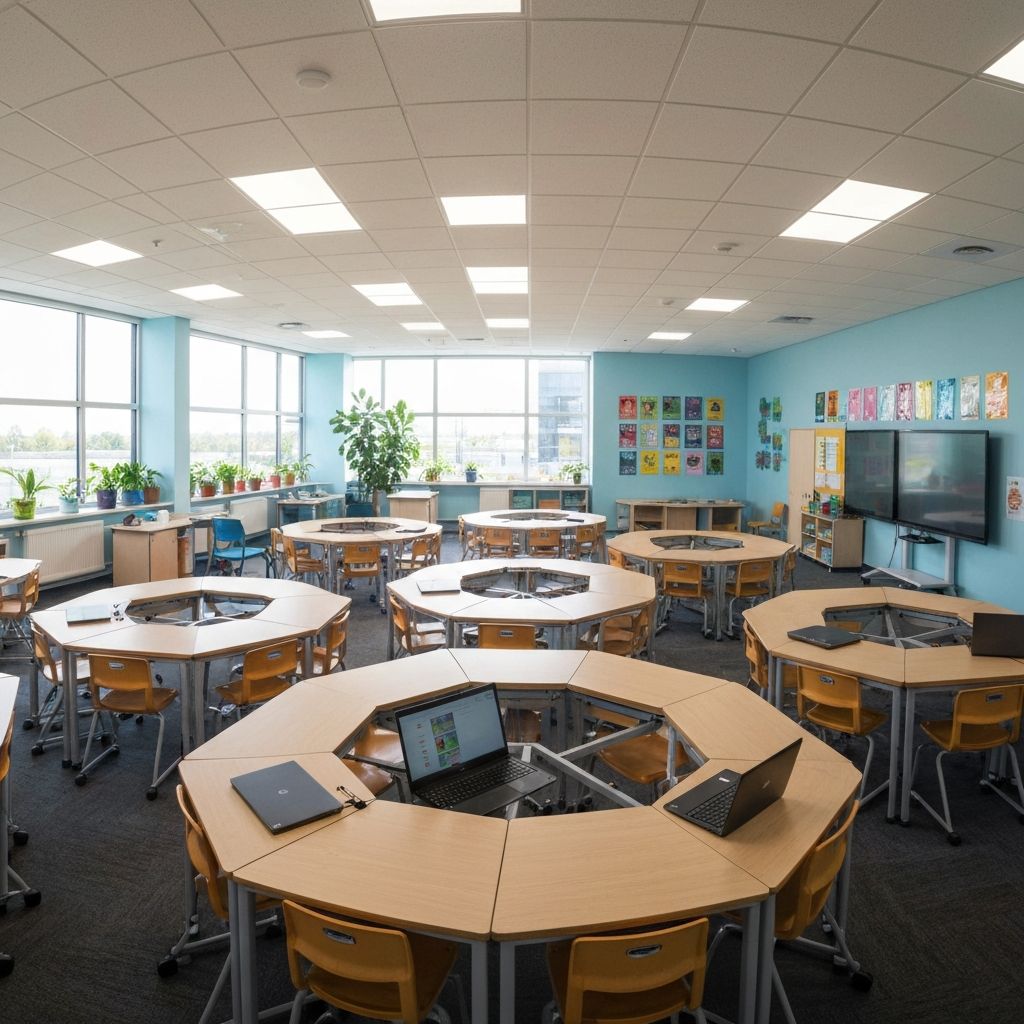
Flexible layout
Collaborative Learning Space
Plan modular tables, movement, and reconfiguration for project-based learning rooms and creative teaching formats.
Open space page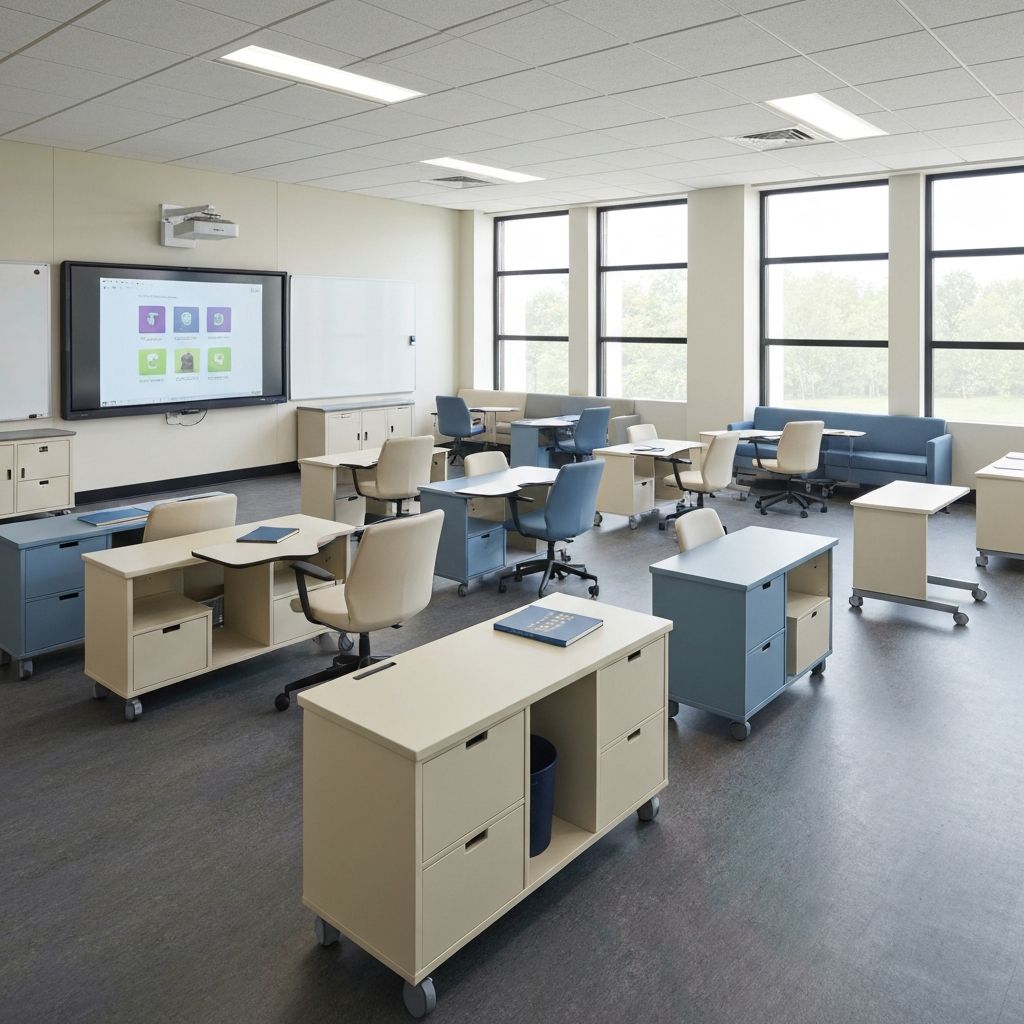
High-density seating
Lecture Hall & Auditorium
Review seat count, writing tablets, aisle logic, and installation timing before auditorium packages are locked.
Open space page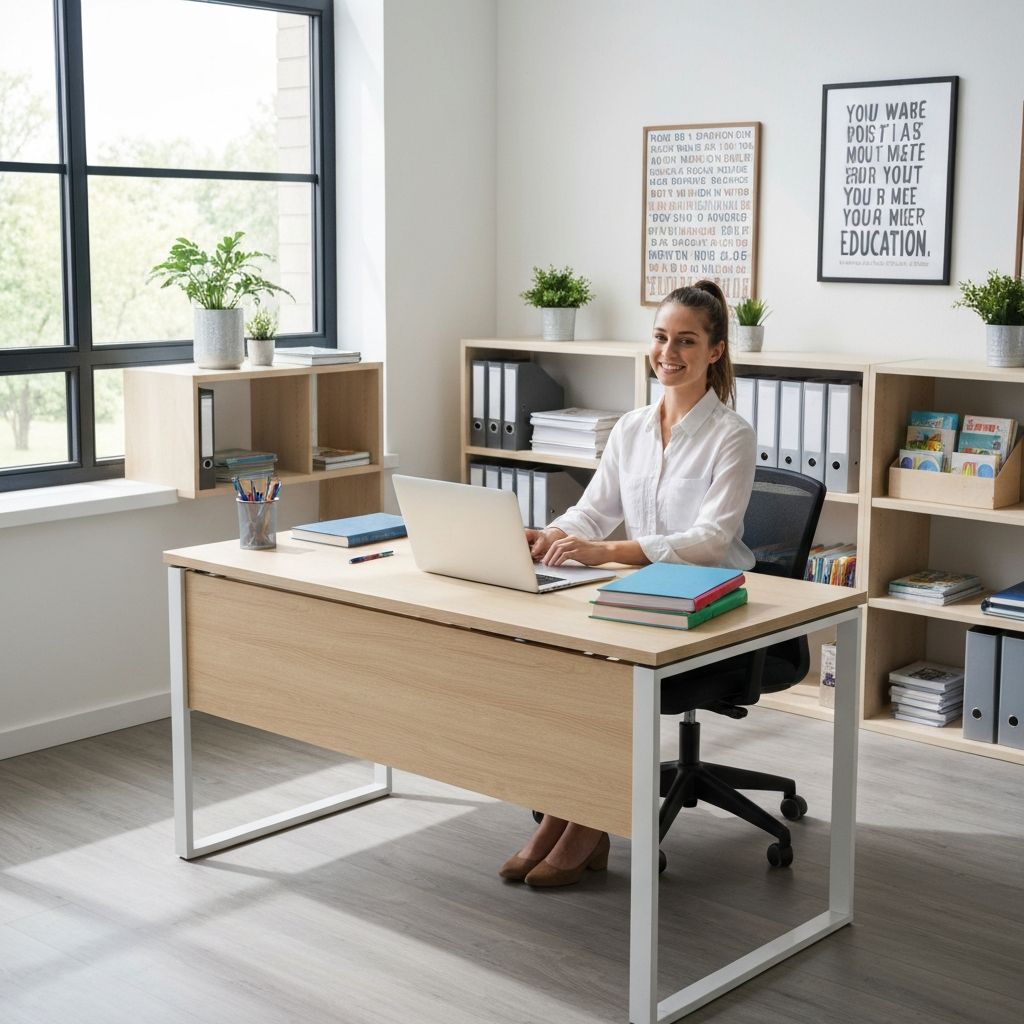
Support spaces
Administrative Office
Organize reception, staff workstations, filing, and controlled storage before support-space purchases fragment.
Open space pageProduct Library Hubs
Use these hubs when the room plan is already clear enough to compare products
The hubs below are the right entry points for buyers who know the room type and now need a focused product comparison.
Umbrella package
School Furniture Hub
Start here when the brief covers more than one room type and the team needs a room-based furniture map.
Open hubProject seating
Auditorium Seating
Use this for lecture halls, theaters, and assembly spaces where capacity, compliance, and installation matter.
Open hubTechnical package
Science Lab Furniture
Review specialist-room tables and support pieces once the lab layout and service assumptions are stable.
Open hubZone support
Library Furniture
Compare shelving and storage families after the media-center zoning plan is clear.
Open hubShared surfaces
Classroom Tables
Useful for collaborative classrooms, art-heavy teaching rooms, and flexible learning programs.
Open hubAge-fit products
Early Learning Furniture
Use this after the preschool room plan is settled and buyers need age-fit tables, chairs, and storage.
Open hubPlanning Tools
The right next step is usually a planning tool, not another blind category click
Use these resources when the project still needs room counts, RFQ language, compliance checks, or delivery planning before a supplier quote becomes meaningful.
Planning Tool
Needs Assessment
Use this intake when room counts, zone needs, or quantity assumptions still need to be defined.
Planning Tool
RFQ Checklist
Use this when the scope is mostly stable and the team needs cleaner supplier-comparison language.
Planning Tool
Standards & Compliance
Review technical approvals, documentation, and quality expectations before release.
Planning Tool
Shipping & Installation
Open this when the project is moving into delivery sequencing, site readiness, and handover planning.
How to Use This Hub
Use the product library as a decision layer, not a starting point
01
Start from the room, not the SKU
Use Room Solutions when the buyer is still figuring out how the room should function, fit, and flow.
02
Move into the product library
Use the product library when the category is clear enough to compare families, finishes, and project constraints.
03
Confirm planning tools
Use the RFQ, compliance, and delivery resources when the project is moving into supplier comparison or approval.
04
Validate with proof and delivery logic
Use projects and implementation resources when the shortlist still needs evidence, standards, or install planning.
All Products
Compare products only after the space and project brief are clear
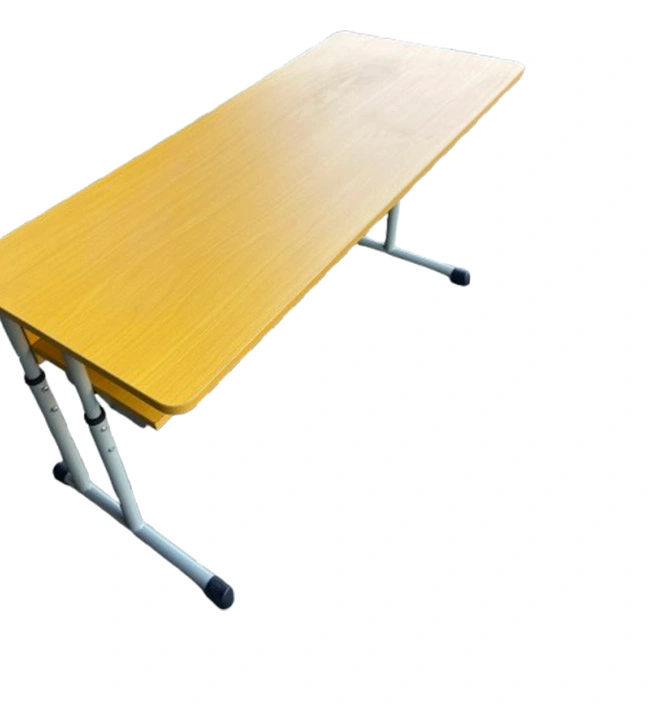
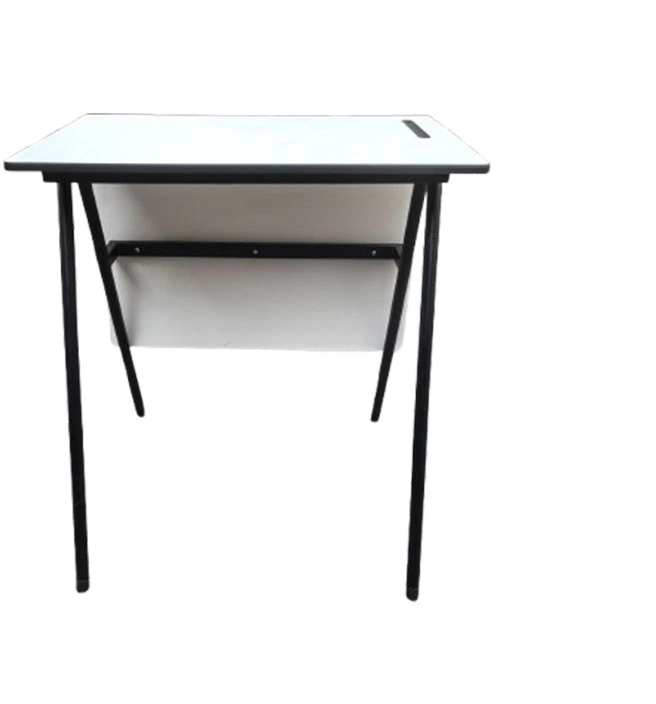
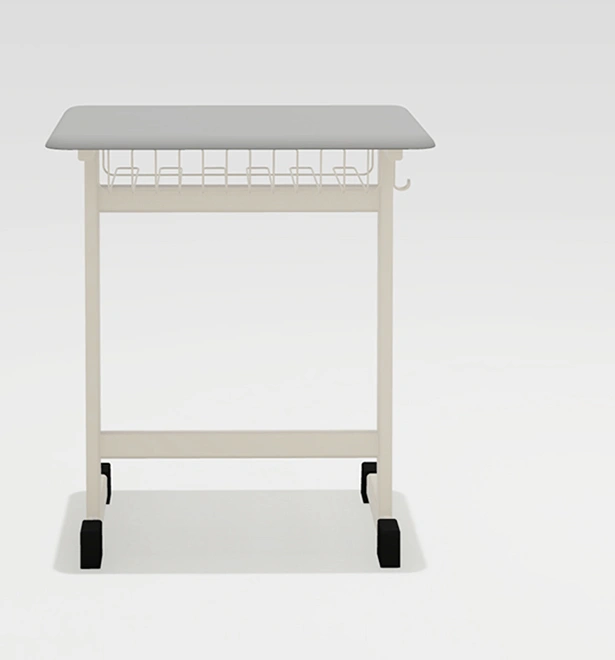
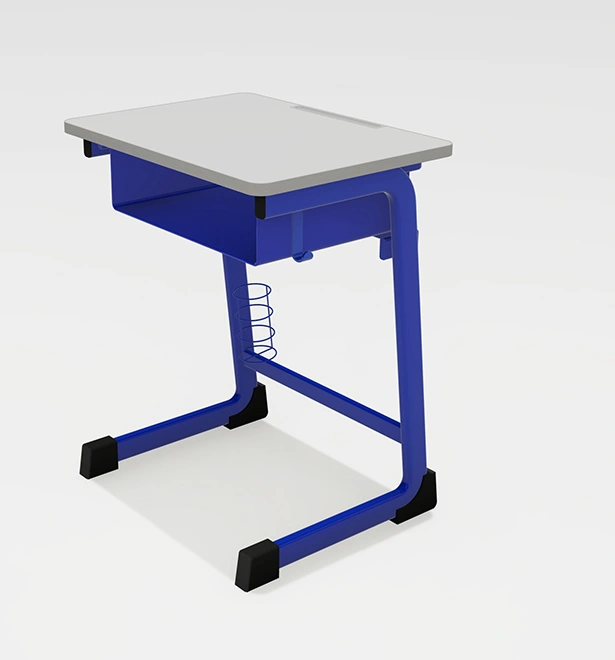
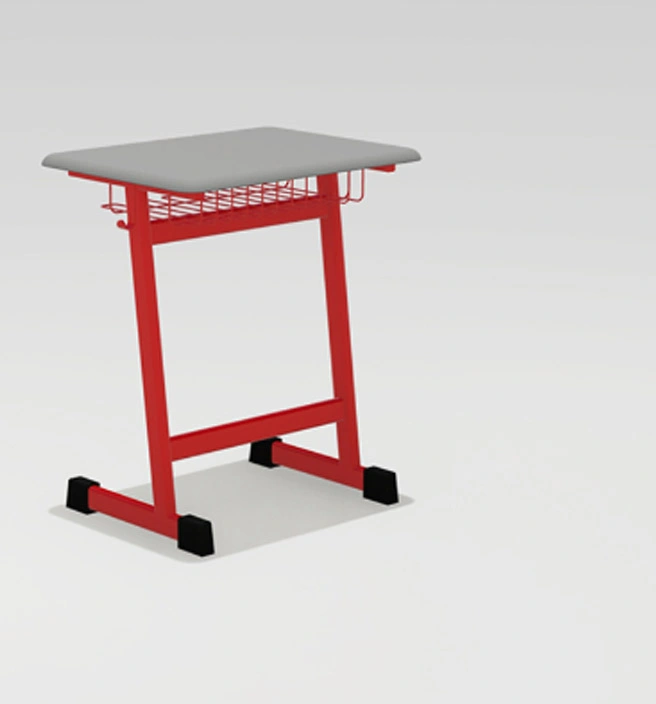
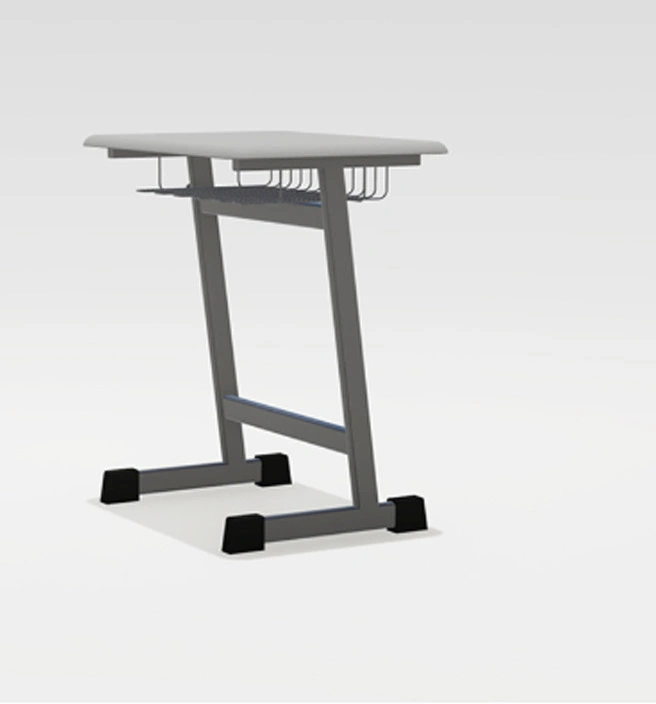
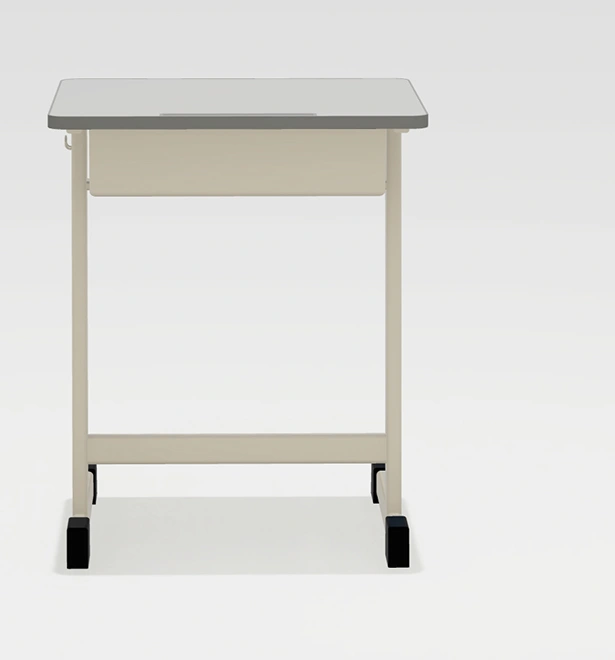
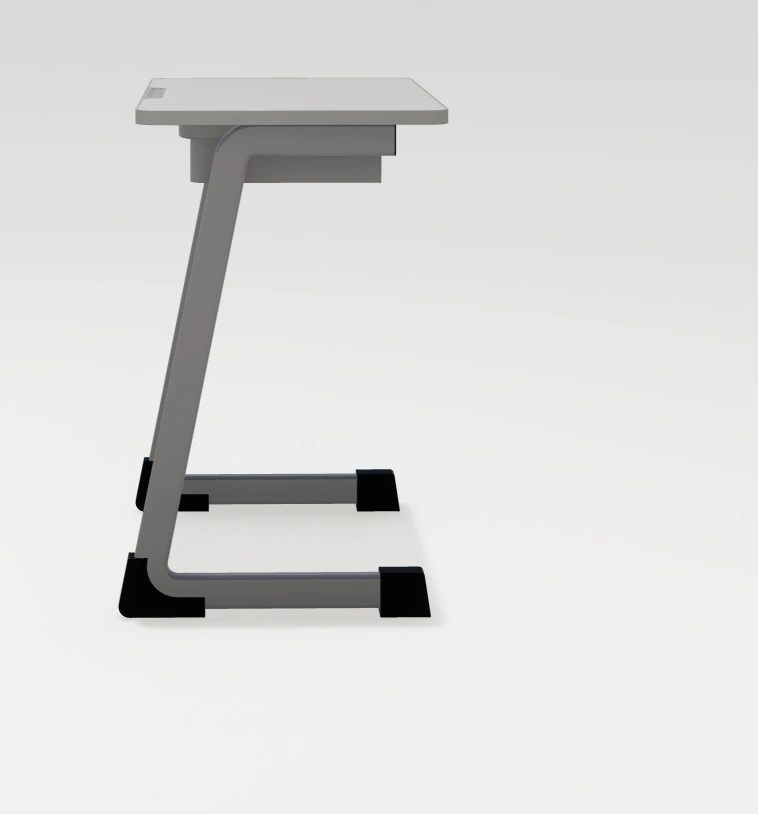
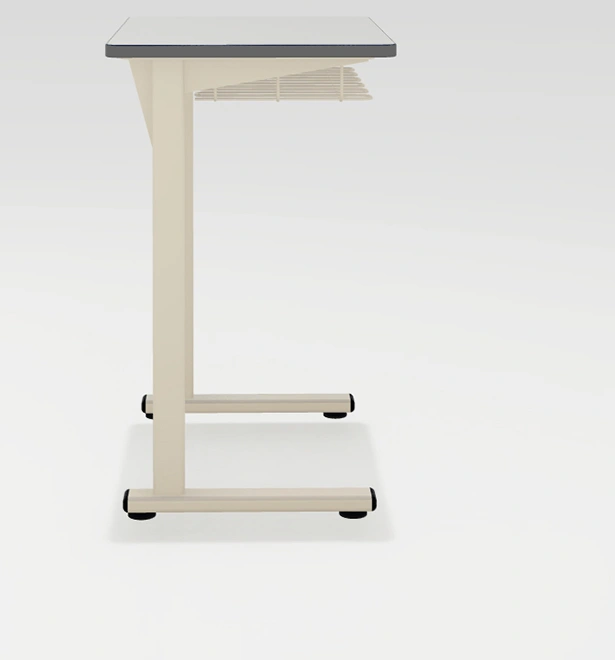
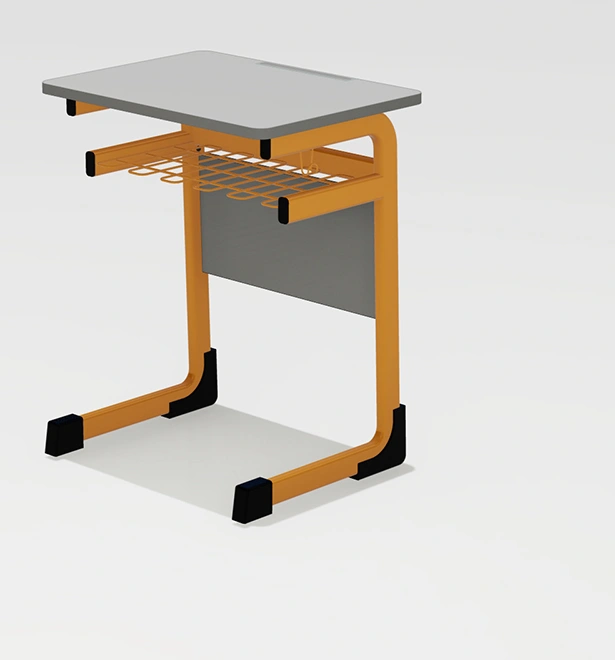
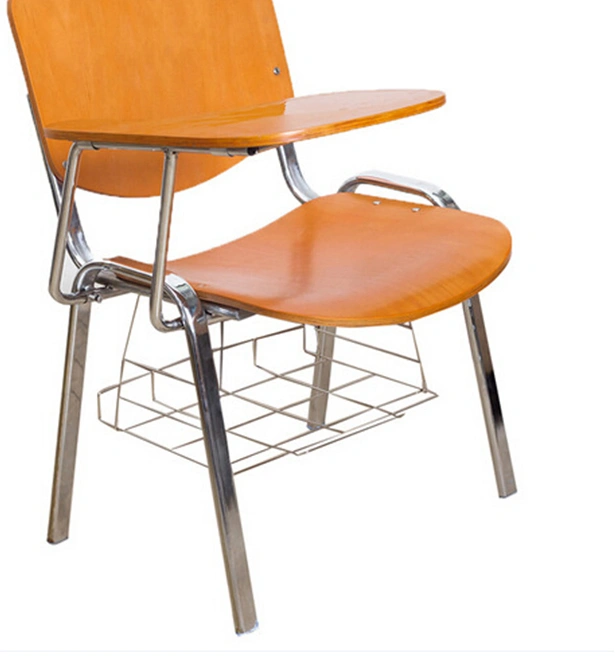
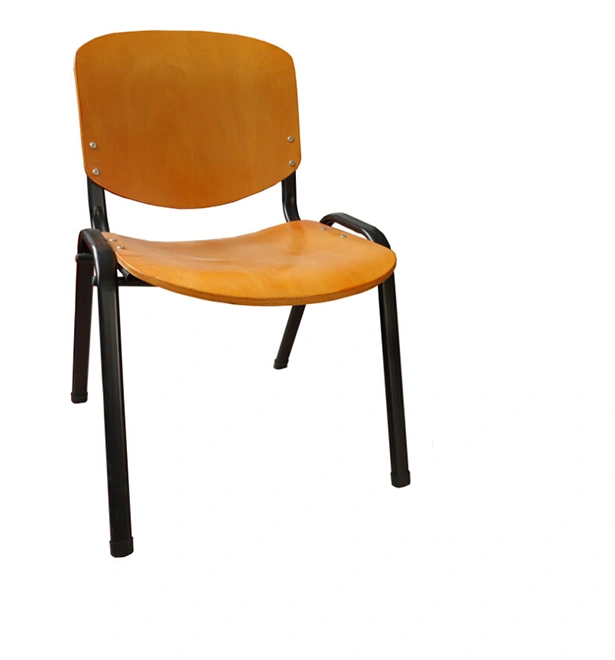
The grid below is still useful, but it works best when the buyer already knows which room, package, or project route they are in.

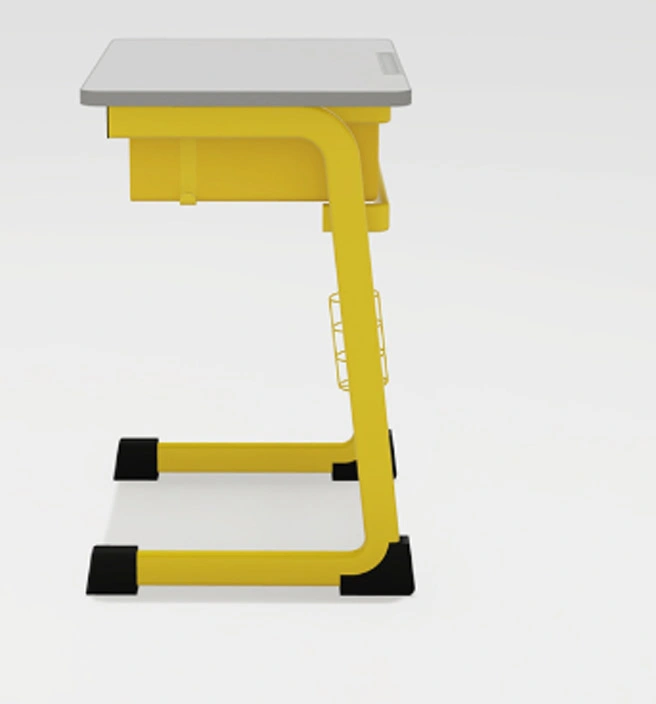
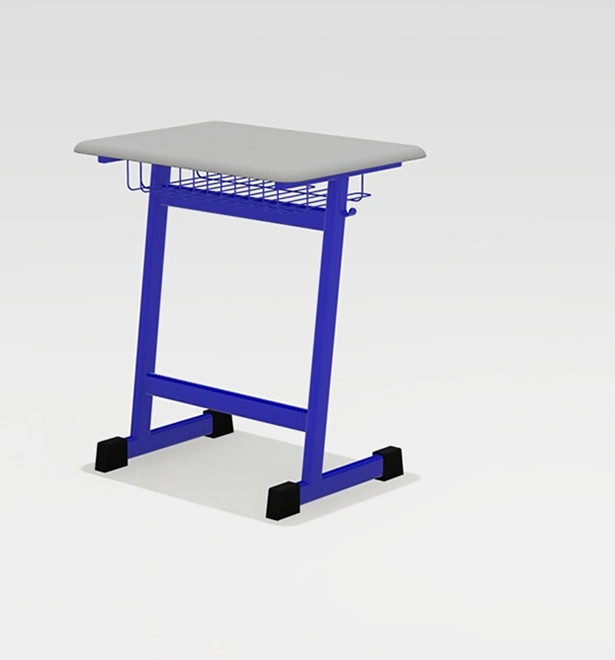
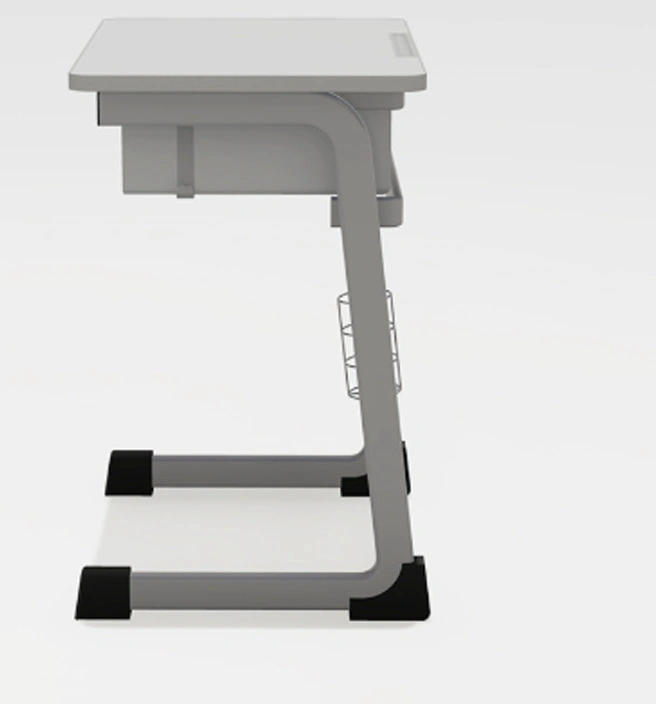
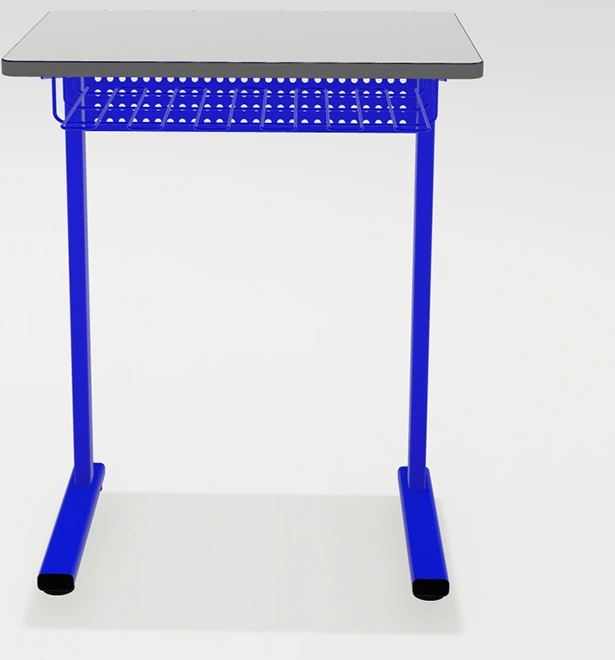
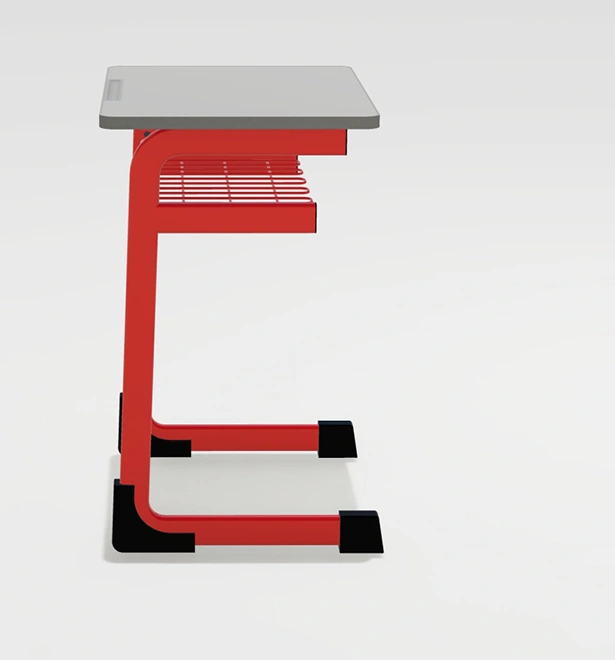
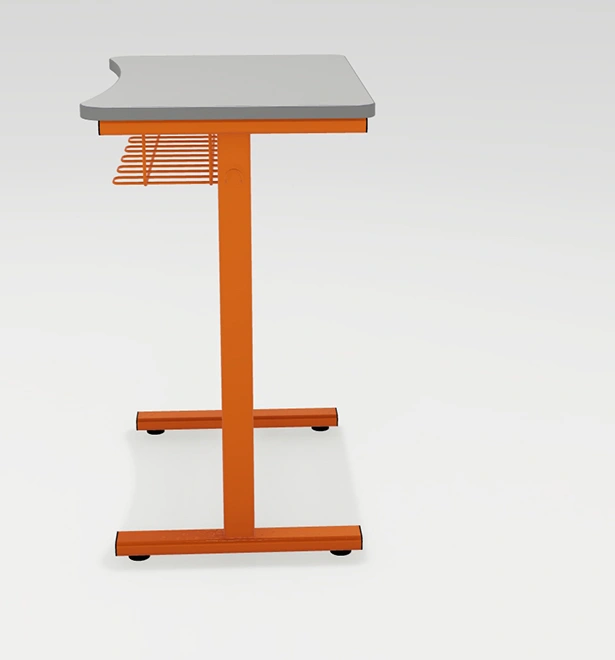
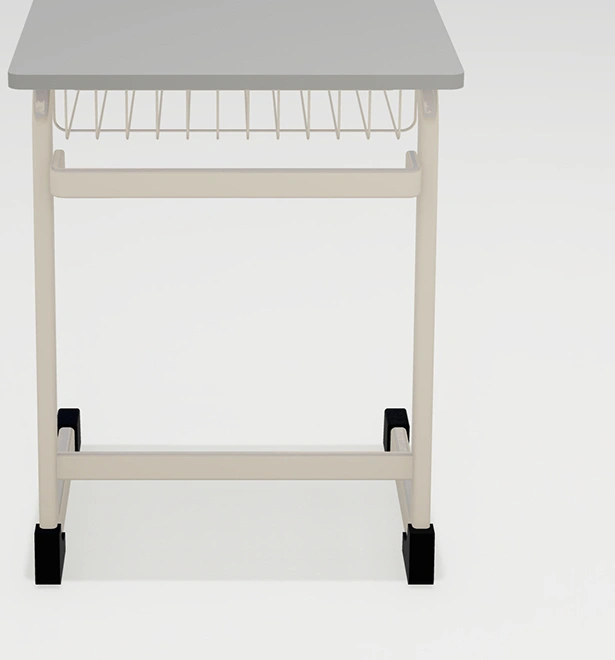
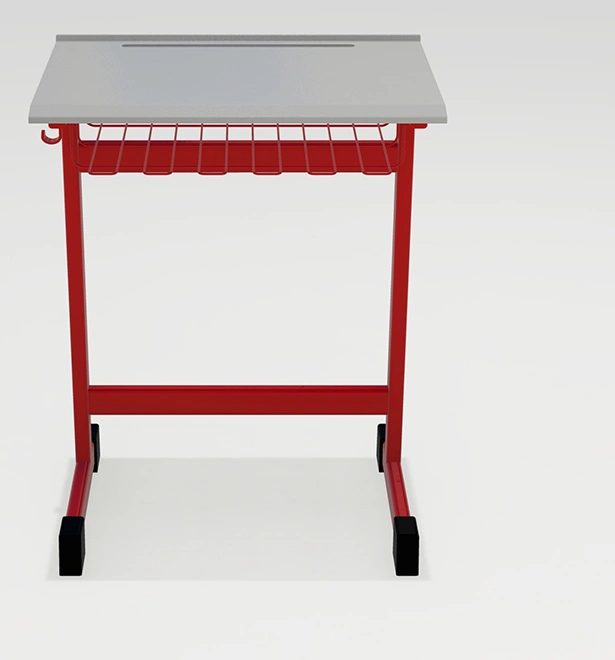
_nologo/DSC-0013(4)_1.webp)
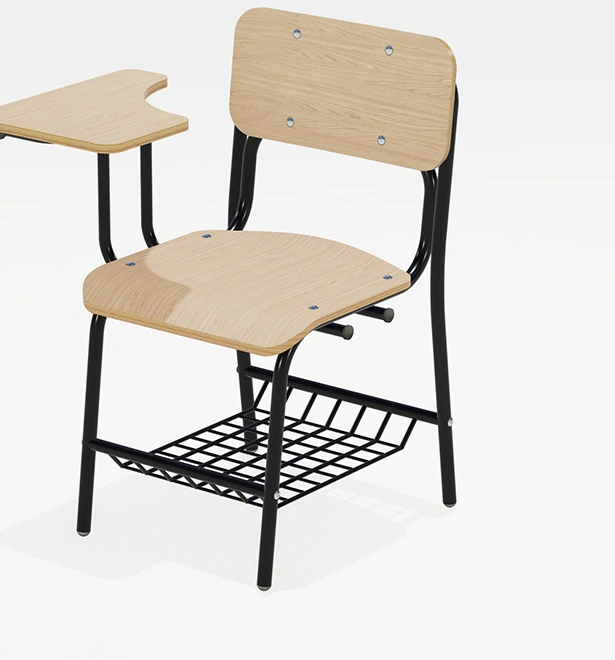
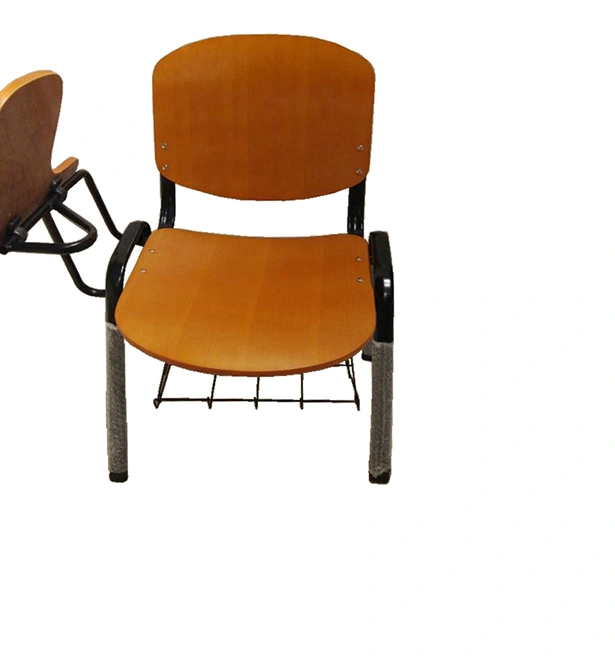
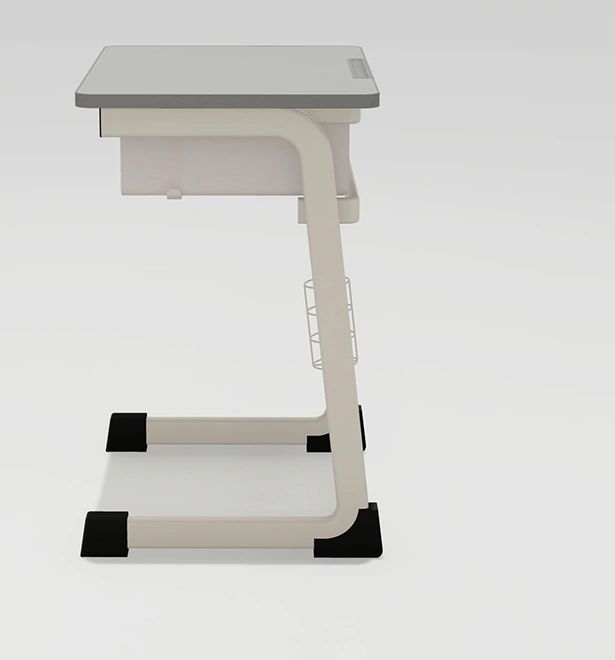
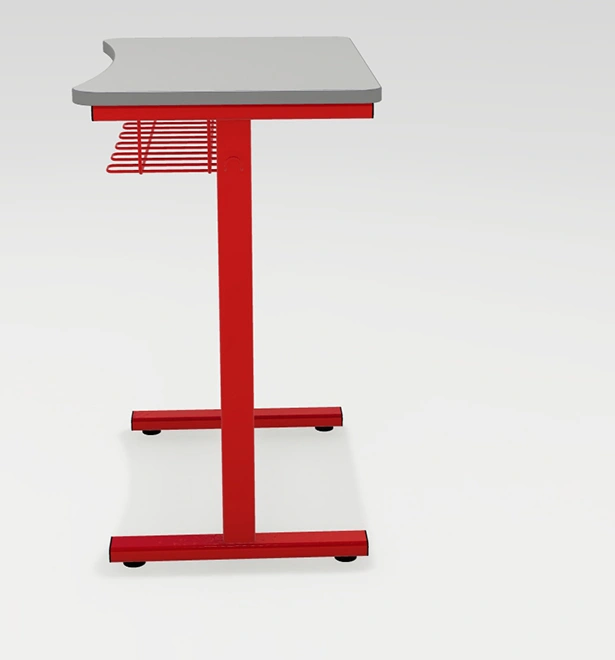
_nologo/DSC-0013(8)_1.webp)
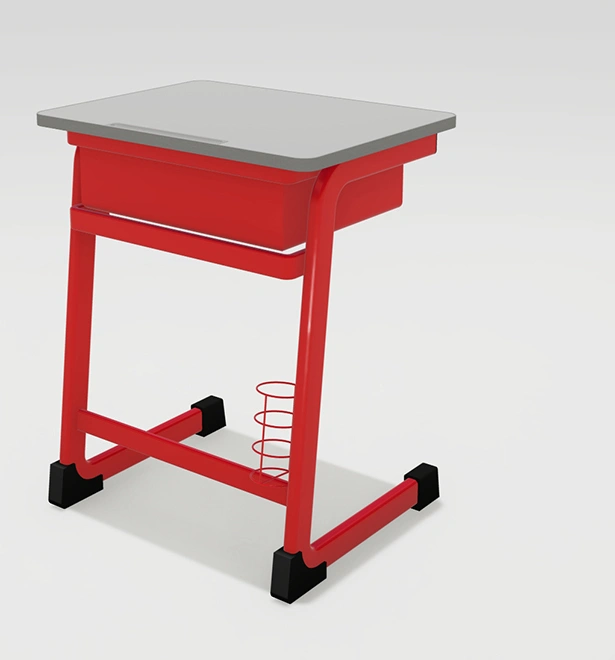
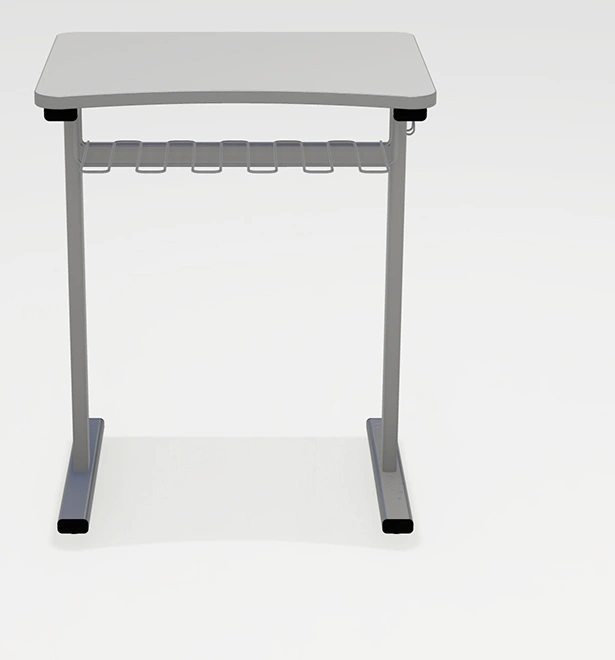
_nologo/DSC-0013(7)_1.webp)
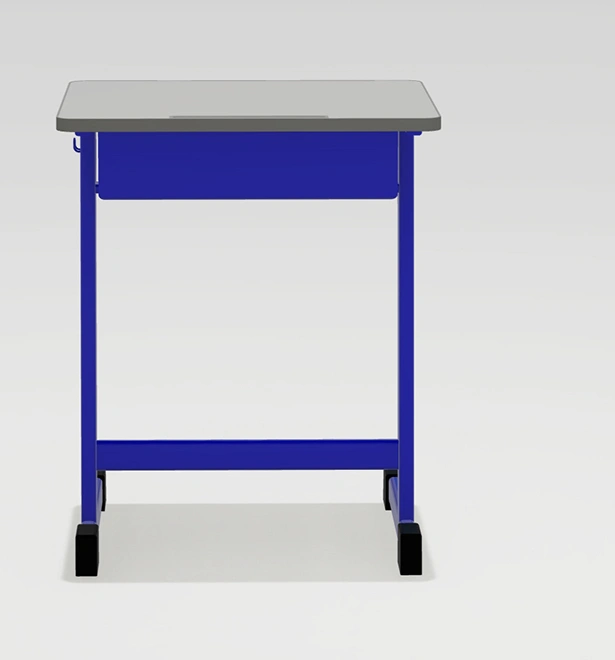
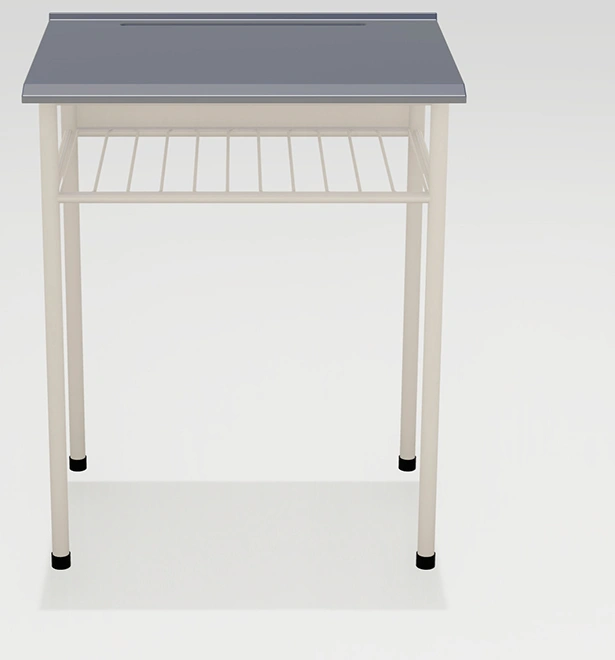
_nologo/DSC-0013(6)_1.webp)